Choose a Lighthouse performance budget for JavaScript
Attach the budget to a specific scenario, such as the first mobile load of a service page. The build directory size differs from what that page transfers. Some files never load on the route, while compression and headers affect the transferred size. Lighthouse lets you measure the load you actually selected.
Configure the resource-summary:script:size assertion
Save the configuration as lighthouserc.json. The example caps the combined scripts captured on one page at 50,000 bytes. That is the fixture threshold. Set your own limit after measuring a baseline and deciding how much growth is acceptable. includePassedAssertions keeps passing assertions visible in the result.
{
  "ci": {
    "collect": {
      "numberOfRuns": 1
    },
    "assert": {
      "includePassedAssertions": true,
      "assertions": {
        "resource-summary:script:size": [
          "error",
          {
            "maxNumericValue": 50000
          }
        ]
      }
    }
  }
}
Collect a report for a deployed test URL. Replace the example address, run collection, then assert locally. When using existing JSON reports, Lighthouse CI looks for names such as .lighthouseci/lhr-123456.json. Keep the HTML report for viewing. Check the URL and run counts in the assert output before interpreting a passing exit code.
npx @lhci/cli@0.16.1 collect --url=https://example.com/service
npx @lhci/cli@0.16.1 assert
See the Lighthouse CI configuration reference for assertion identifiers and units. The measurements come from the Lighthouse report.
What the two Lighthouse reports showed
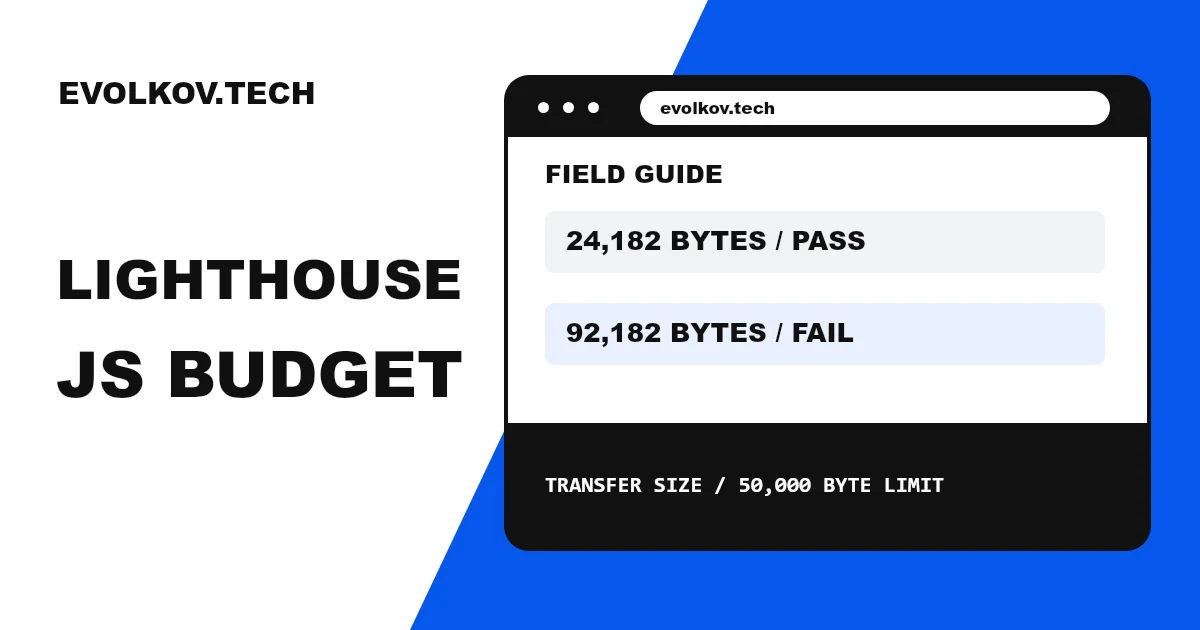
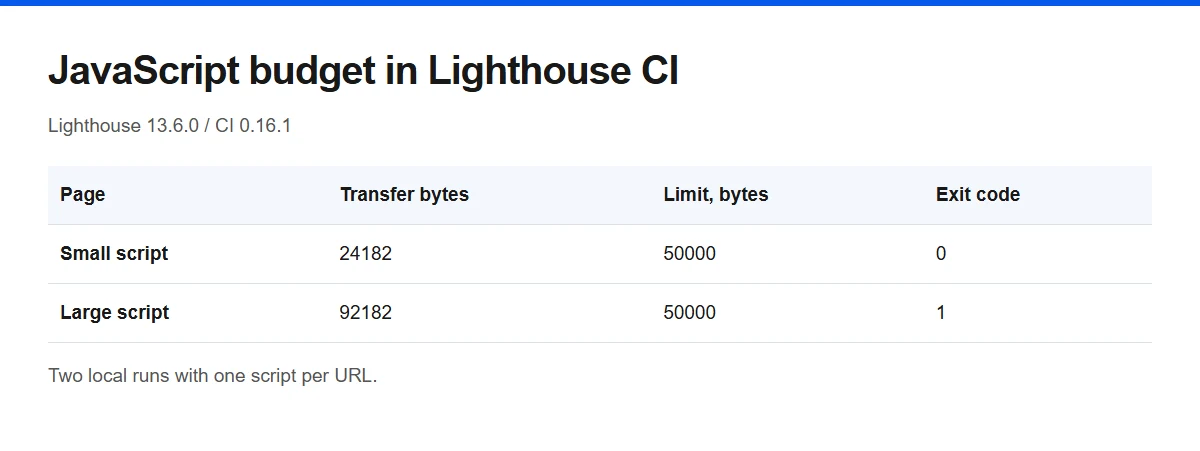
Both local pages included one uncompressed script served with Cache-Control: no-store. The reports came from Lighthouse 13.6.0 with a mobile profile. Lighthouse CI 0.16.1 then loaded each saved report in a separate process and returned the exit codes below. The large script exceeded the budget by 42,182 bytes. The script request count was one in both cases.
| Variant | Transfer bytes | Limit, bytes | Exit code |
|---|---|---|---|
| Small script | 24182 | 50000 | 0 |
| Large script | 92182 | 50000 | 1 |
Find the cause of a budget failure
When a route exceeds its limit, open Network and sort JavaScript by transfer size. Compare filenames with the previous release. If the main bundle grew, inspect the build report for new modules. If a new integration appeared, ask whether it needs to load on that first view. For unchanged files, compare Content-Encoding, cache state, and run conditions.
Apply the budget to each release
Choose representative routes, such as a service page and an interactive calculator. If their limits differ, use separate configurations and URL sets. Pin the browser version and use the same mobile profile and run count when comparing releases. Establish the baseline with a before-and-after Lighthouse comparison.
An interaction can request more scripts after the initial load. A budget based on that first load does not cover later requests that were never observed. Measure the critical interaction separately. When approving an increase, record why and recheck the routes affected by the change.
Add the budget to your release acceptance checks. When rendering changes, use Reproleaf to check the HTML response and metadata independently.
Choose a threshold and record the measured route
Starting with the 24,182-byte fixture baseline, allowing 10% growth gives a ceiling of 26,601 bytes after rounding up. That is a second illustrative threshold. The run above used 50,000 bytes. To choose a real threshold, first save several runs of a stable release. If values jump, check transferred bytes, compression, and cache state before adding headroom.
In your CI job, record the route, test settings, and what should happen when the check fails. For example, a service-page deployment can stop if a new script pushes the route over its limit. Record any approved threshold increase next to the reason.
FAQ
Why did the assertion find no reports?
Check the working directory, .lighthouseci, and the filenames. Use the reports from collect or put the original JSON at a numeric filename such as lhr-123456.json. HTML reports cannot drive assert.
What replaces –budget-path in an older tutorial?
The tested Lighthouse 13.6.0 CLI help does not list that flag. Use the Lighthouse CI configuration above. When migrating a threshold, check the units: maxNumericValue here takes bytes.
Need help with your website?
Development and SEO services →