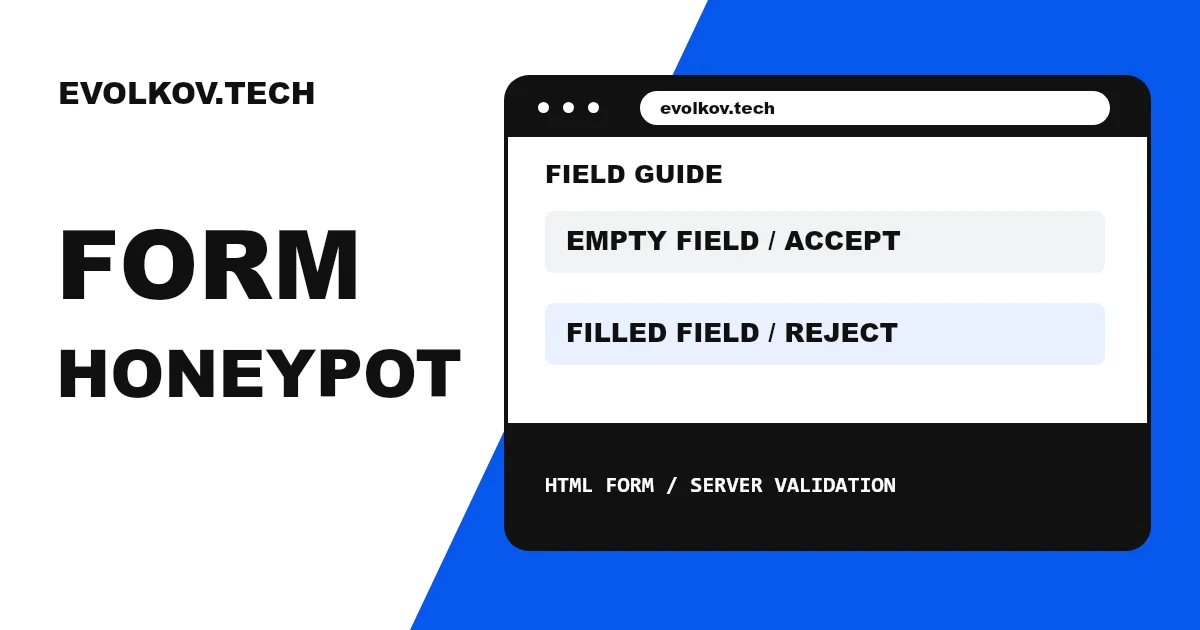
How a form honeypot works
A honeypot is a form field that ordinary visitors leave empty. The backend can use its value as one signal of an invalid submission. The hidden attribute removes the control from the interface, but the browser still includes the named field in form data. Setting it to disabled would omit it. FormData control rules, the hidden attribute.
<form action="/request" method="post">
  <label>Message <textarea name="message" required></textarea></label>
  <div hidden>
    <label>Leave blank <input name="aux_check" tabindex="-1" autocomplete="off"></label>
  </div>
  <button>Send</button>
</form>
Validate the field on the server
The strict policy checks for exactly one value, then checks that it is an empty string. Apply it before writing a lead, sending an email, or emitting analytics. Older integrations can drop the field because of their serializer or a cached form version. Before enforcement, test each path your site supports, including native HTML, AJAX, middleware, and retries.
function rejectionStatus(formData) {
  const values = formData.getAll('aux_check')
  if (values.length !== 1 || values[0] !== '') return 422
  const message = formData.get('message')
  if (typeof message !== 'string' || !message.trim()) return 400
  return null
}
What the four submissions showed
| Case | HTTP | Accepted total |
|---|---|---|
| Ordinary form | 201 | 1 |
| Field filled | 422 | 1 |
| Field missing | 422 | 1 |
| Empty message | 400 | 1 |
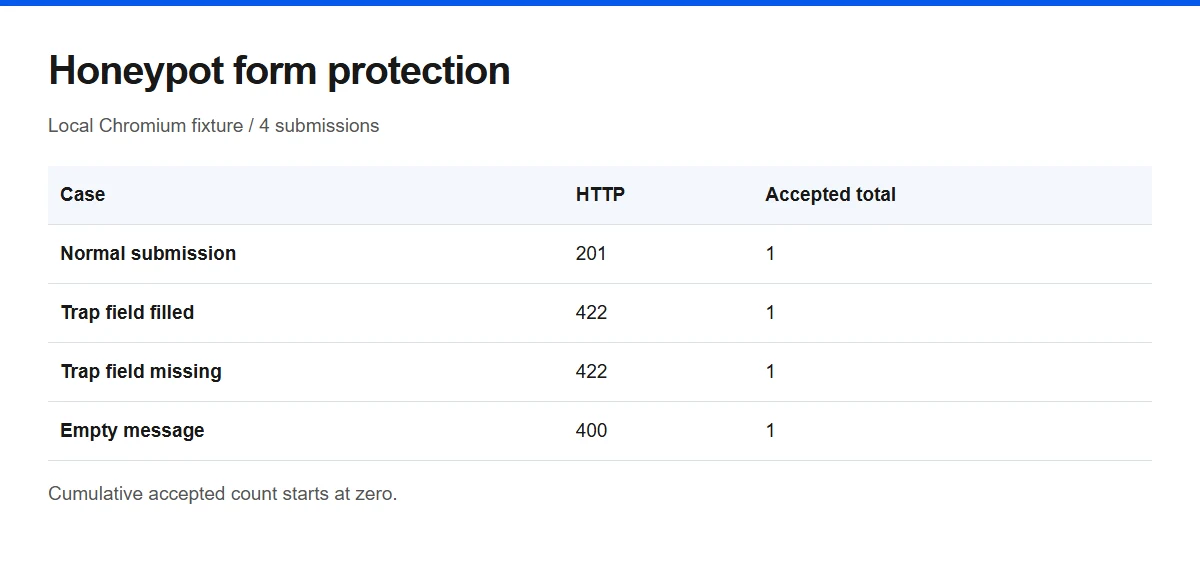
On the fixture, the browser serialized the initial value as empty. With Tab, focus moved from the message field to the button. Only the ordinary submission increased the accepted count. The other three requests failed according to the table. The statuses 201, 422, and 400 are choices made by this test endpoint. It did not measure real-world spam rates.
Prevent false rejections during rollout
Submit the test form using the keyboard and inspect the payload in Network. Repeat with autofill enabled on the devices you support. autocomplete="off" does not replace this check. Send a control submission through each active client. If a real form is rejected, trace where the field was dropped or changed before tightening the policy.
During rollout, record the rejection reason and form version without message content or contact details. If missing fields spike after deployment, check old open tabs and cached templates. Reproduce the issue with the same frontend version in staging. Monitor accepted submissions separately from rejected attempts.
Acceptance checks before enforcement
- The normal form sends exactly one empty value.
- A rejected control request creates no lead, email, or analytics event.
- A missing required message still gets a distinct response.
After acceptance, run the end-to-end form checks. If a lead was accepted but no email arrived, use the WordPress mail delivery guide. Make sure rejected requests never increment landing page lead tracking.
Need help with your website?
Development and SEO services →